
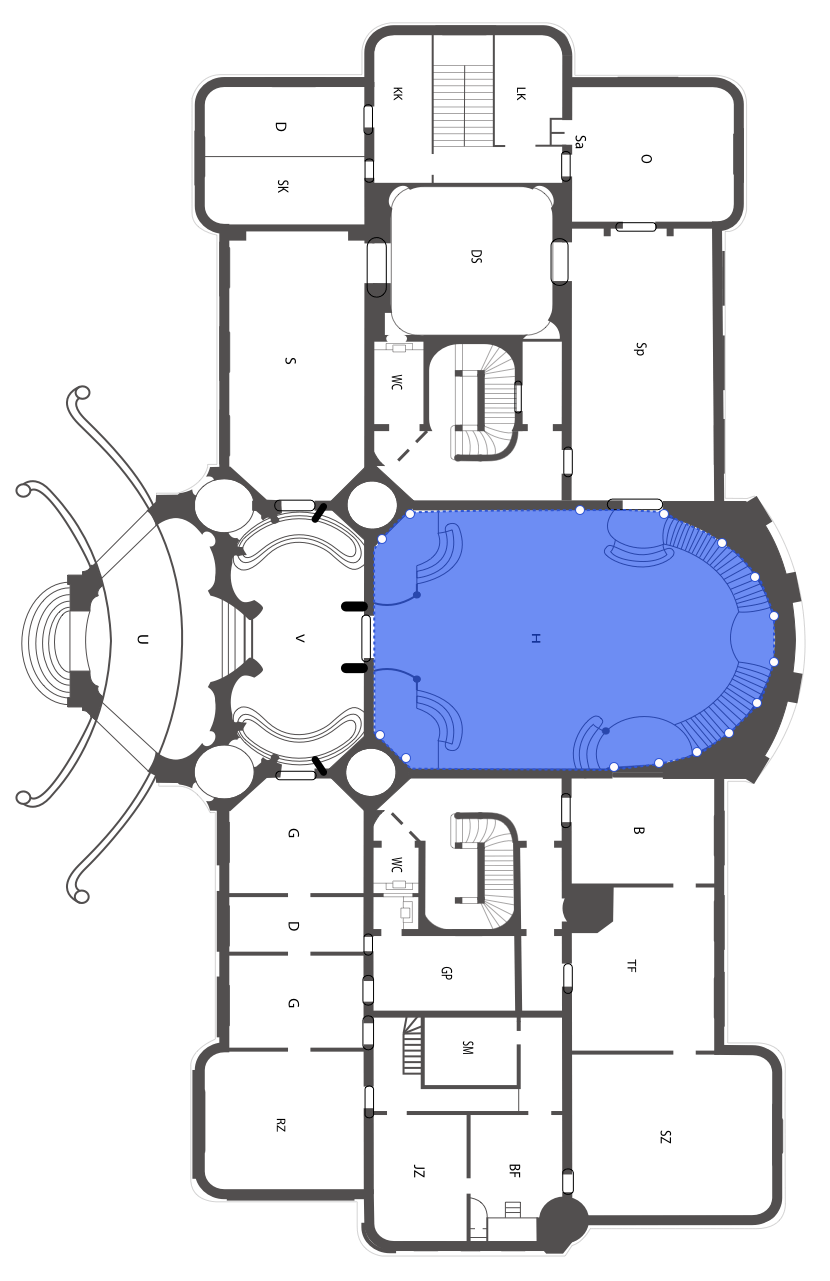
A construction takeoff turns plans into measured quantities that can be priced in an estimate or quote. The exact steps vary by trade, but the basic workflow is the same: understand the scope, set scale, measure the work, check the quantities, and use them for pricing.
Step 1: Review the Plans
Start by reviewing the drawings, notes, schedules, and scope. Make sure you know which pages matter for your trade and whether there are revisions or alternate options.
Step 2: Confirm the Scale
Before measuring anything, confirm the plan scale. A wrong scale can make every quantity wrong. In digital takeoff software, set or calibrate the scale before measuring areas, lengths, or counts.
Step 3: Break the Work Into Sections
Group the work in a way that matches your estimate. You might organize by room, floor, trade, material, or work package.
Clear organization makes the quote easier to review later.
Step 4: Measure Areas, Lengths, Volumes, and Counts
Use the right measurement type for each item:
- area for flooring, roofing, paint, plasterboard, or tile
- length for walls, pipe, cable, trim, or fencing
- volume for concrete or excavation
- counts for doors, windows, fixtures, lights, and outlets
Step 5: Review the Quantities
Check for missed rooms, duplicate counts, wrong scale, unclear plan notes, and measurements that do not match the scope.
This review step is where estimator judgment matters. Software can speed up measuring, but the estimator still owns the final result.
Step 6: Prepare Quote-Ready Outputs
Once quantities are checked, use them for pricing and quoting. Good takeoff software should reduce copy-paste by keeping quantities connected to the project.
Metres.ai helps contractors move from plan measurement toward quote-ready information in a cloud-based workflow.
Step 7: Save the Takeoff With the Project
Keep the takeoff connected to the project record. This makes revisions, customer questions, and future estimates easier to handle.
Where Metres.ai Helps
Metres.ai lets you upload plans, set scale, measure quantities, organize work, and use AI-assisted room segmentation on suitable floorplans. It is designed for builders, tradies, and estimators who want a practical takeoff workflow without desktop installation.
Frequently Asked Questions
How do I do a construction takeoff?
Review the plans, confirm scale, organize the scope, measure areas and lengths, count items, review the quantities, and use the results to prepare an estimate or quote.
What is the first step in a takeoff?
The first step is reviewing the drawings and scope so you know what needs to be measured. Before measuring, confirm the plan scale.
Can I do a construction takeoff digitally?
Yes. Digital takeoff software like Metres.ai lets you upload plans, set scale, measure quantities, and keep the work organized in the cloud.
What measurements are used in a construction takeoff?
Common takeoff measurements include areas, lengths, perimeters, volumes, and item counts.