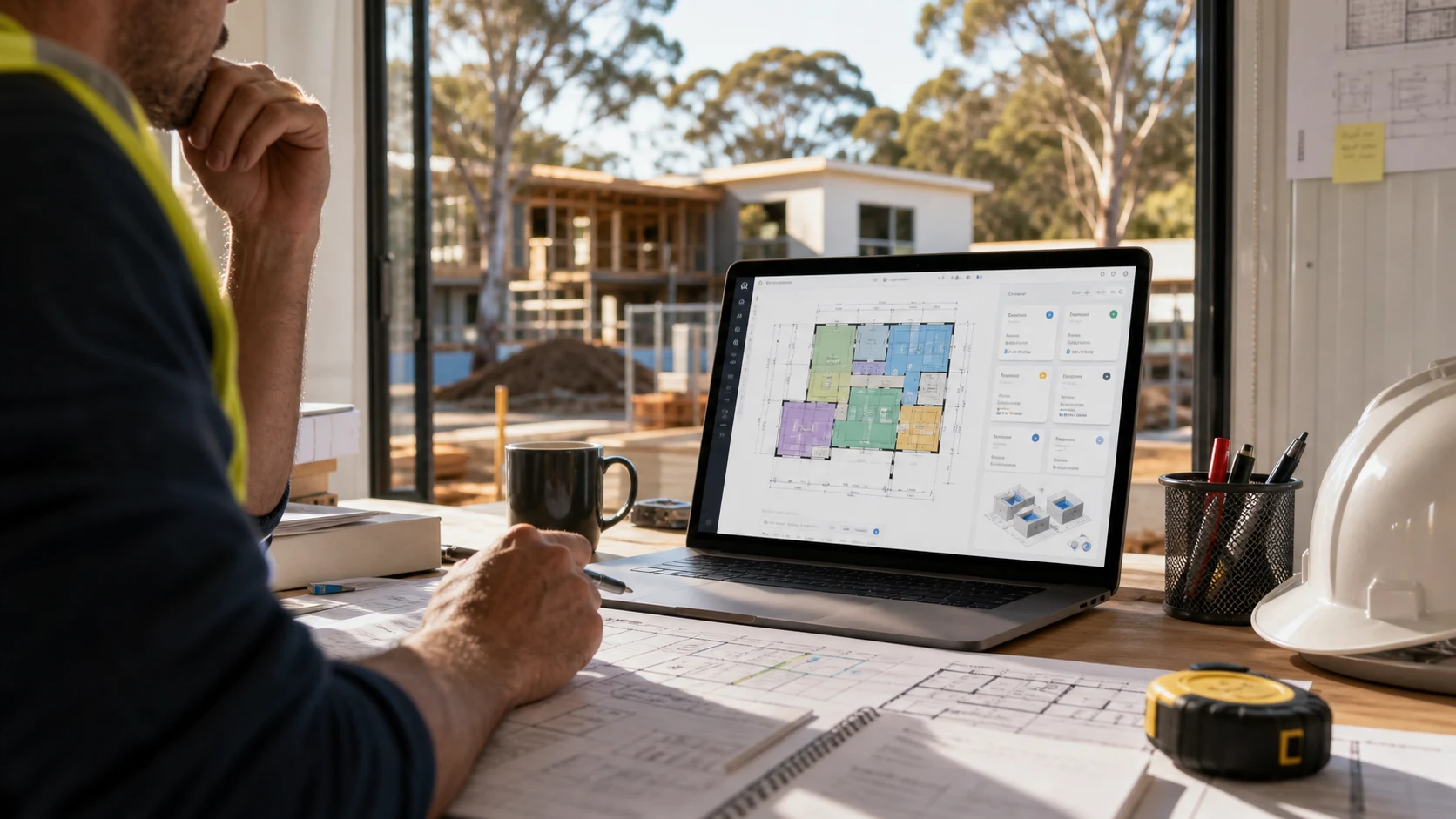
Yes. You can do construction takeoffs on a Mac if you use cloud-based takeoff software that runs in the browser.
This is one of the biggest advantages of tools like Metres.ai. Instead of installing desktop software on a Windows machine, you can upload plans, measure quantities, and prepare estimates from a browser on Mac, iPad, PC, or another modern device.
Why Mac Users Often Struggle With Takeoff Software
Many older takeoff tools were designed around desktop installation. That can create friction for contractors who use Mac laptops, iPads on site, or mixed-device teams.
If the estimating workflow depends on one installed machine, it is harder to review work from site, update quantities from home, or collaborate with someone using a different device.
Cloud Takeoff Software Solves the Mac Problem
Cloud-based software runs in the browser. That means the important work happens online rather than inside a single desktop app.
With Metres.ai, you can access your projects through the browser, upload plans, measure areas and lengths, count items, and keep project information connected to the estimate.
What You Need
To do construction takeoffs on a Mac with Metres.ai, you need:
- a modern browser
- an internet connection
- your construction plans as PDFs or image files
- a project in Metres.ai
There is no desktop installation required.
Why This Helps Small Contractors
Small contractors are often mobile. You may start an estimate in the office, review a plan on site, and finish the quote later. A browser-based workflow makes that easier because the project is not locked to one computer.
It also helps teams where different people use different devices. A Mac user and a PC user can work from the same cloud-based project instead of passing files back and forth.
Final Take
You can do construction takeoffs on a Mac with cloud-based takeoff software. Metres.ai is browser-based, so it works across Mac, iPad, PC, and other modern devices without desktop installation.
Frequently Asked Questions
Can I do construction takeoffs on a Mac?
Yes. Metres.ai is cloud-based and runs in the browser, so you can do construction takeoffs on a Mac without installing desktop software.
Does Metres.ai work on iPad?
Metres.ai runs in the browser, so it can be accessed from devices with a modern browser, including iPad.
Do I need Windows for construction takeoff software?
No. If you use browser-based software like Metres.ai, you do not need a Windows-only desktop workflow.
What files can I upload to Metres.ai?
Metres.ai supports PDF plans and common image files such as JPG and PNG.